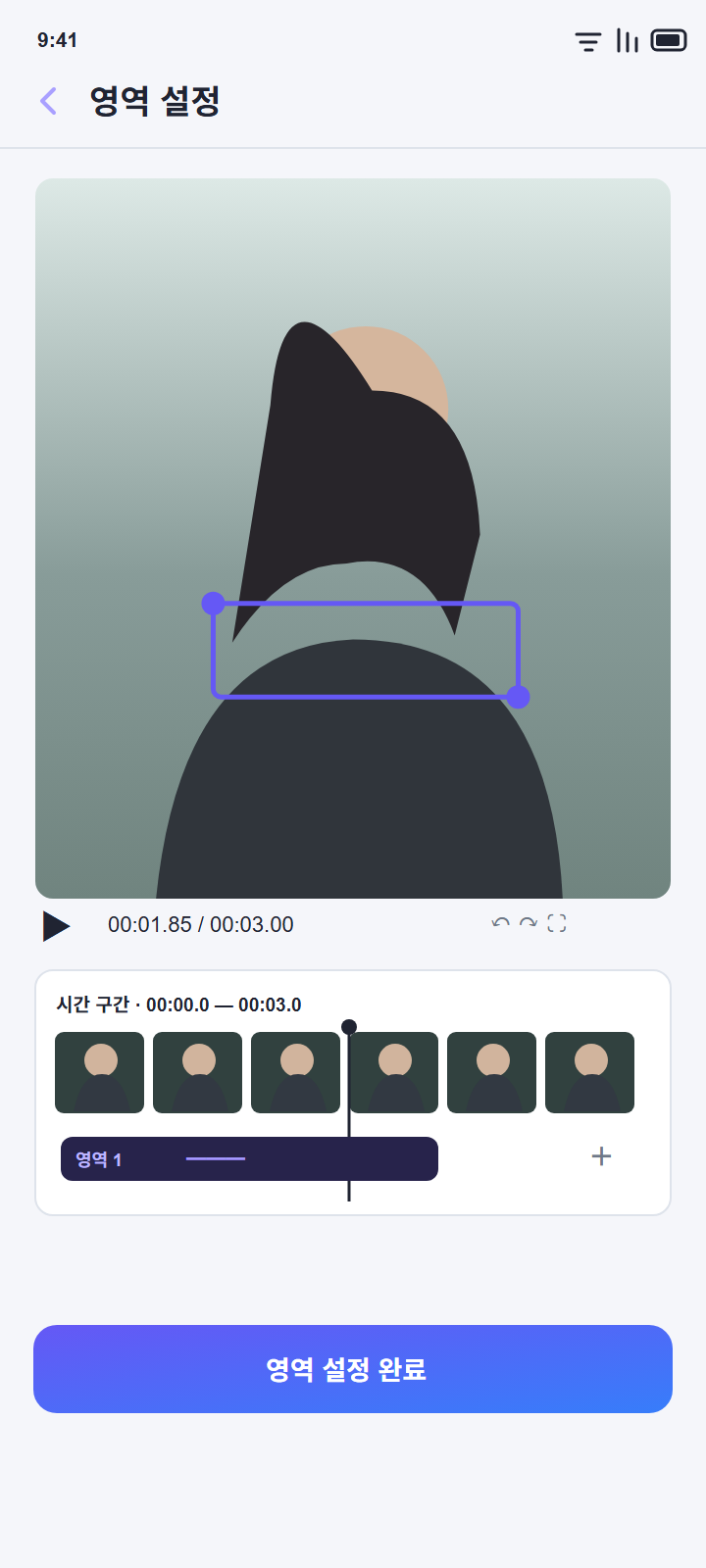
Choose areas and timing
Move and resize regions, add more than one, and choose when each region applies.
Select areas and time ranges in a video, then blur them or fill them with surrounding frames using AI restoration. Your original stays untouched; the result is saved as a new file.
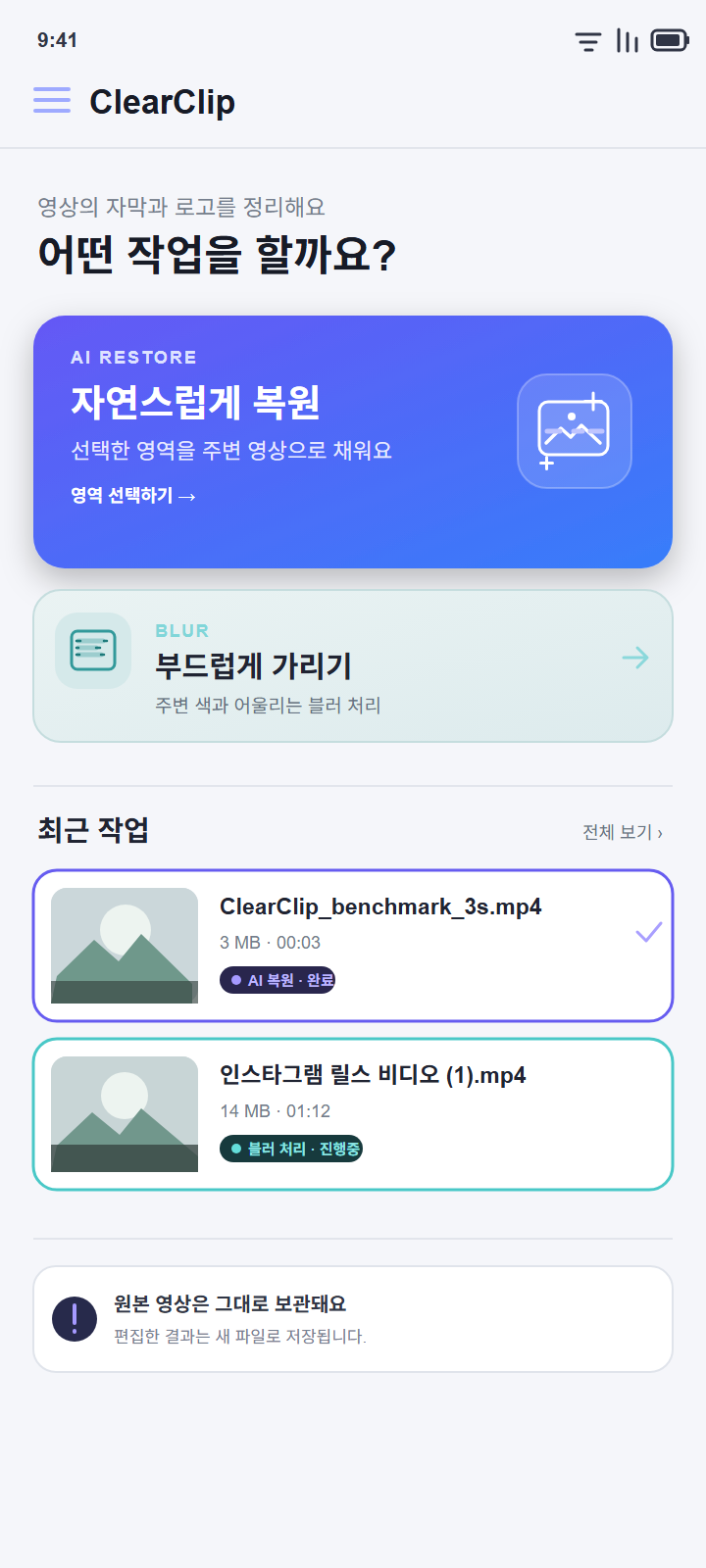
Move and resize regions, add more than one, and choose when each region applies.
Use blur to cover a region or AI restoration to blend it with nearby video frames.
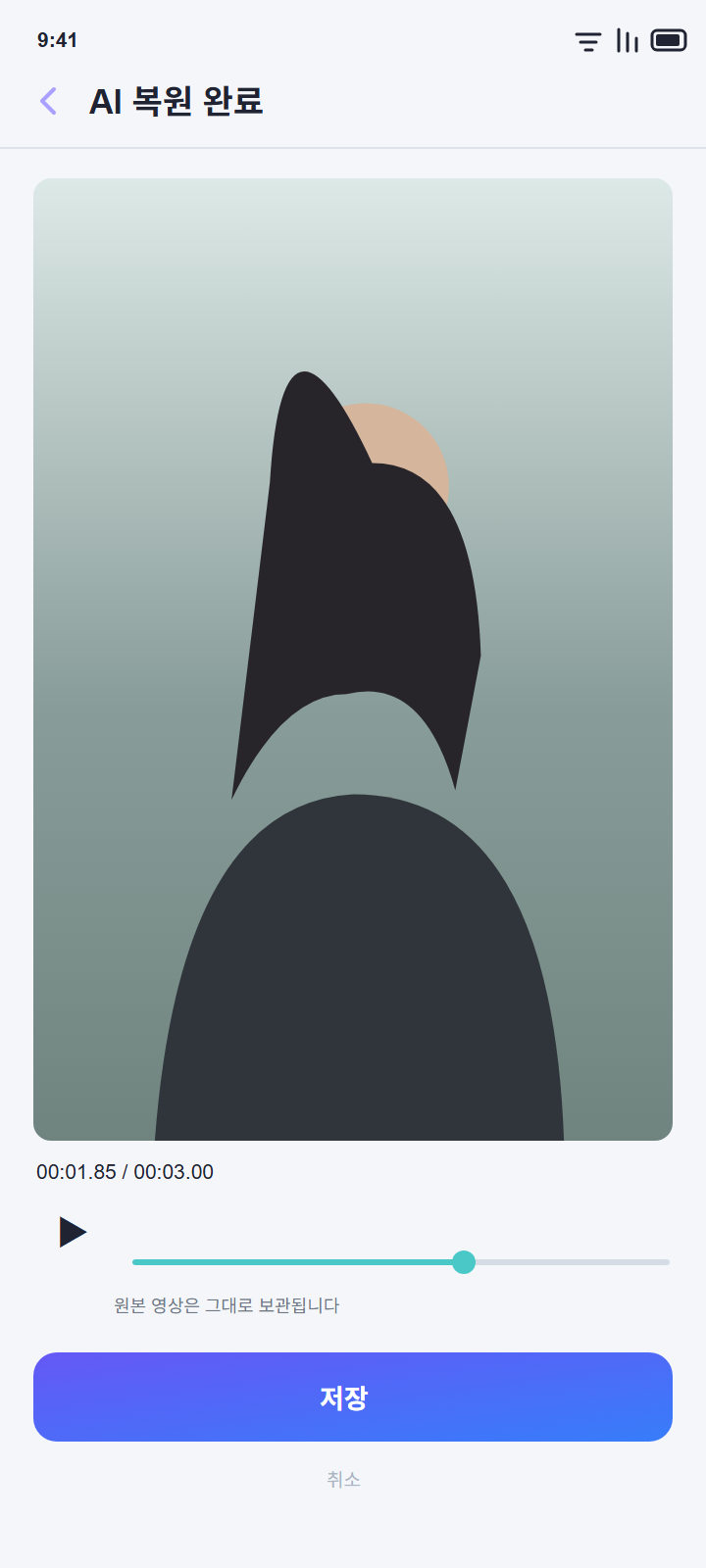
Review the result and save it as a new video. The original file is not overwritten.
Selected videos and region settings are processed on your device, not uploaded to the app operator’s server.
Open recent editing records saved on your device and continue from where you left off.
Choose Korean, English, Japanese, or Spanish in the app.